Factorial calculator
Try Factorial Calculator
Loading calculator. If this message stays visible, enable JavaScript and reload.
Your result
The factorial calculator multiplies the positive whole numbers from 1 through your chosen number. Enter an integer from 0 to 170 and select Calculate / Run. For a Value of 7, the result is 5,040 because 7 × 6 × 5 × 4 × 3 × 2 × 1 equals 5,040. The special case 0! returns 1.
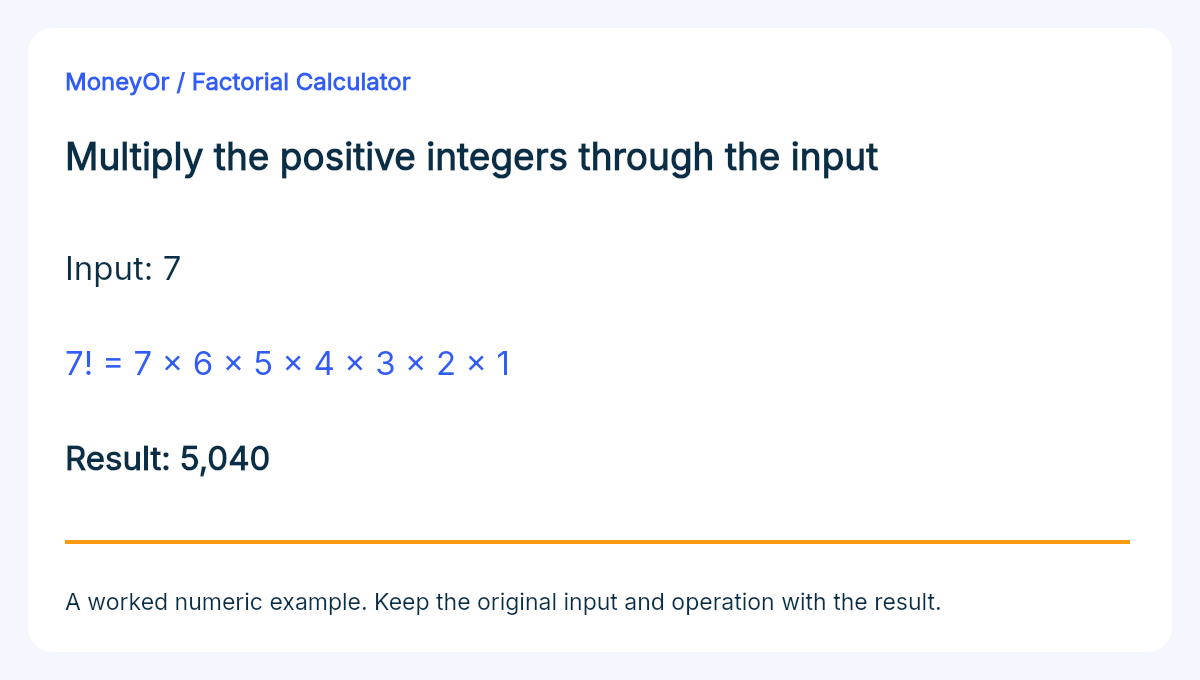
MoneyOr calculates this product with integer arithmetic and displays the complete integer result for its supported range. It does not calculate a gamma function or accept fractional factorials. The guide explains how to interpret the exclamation mark, choose the right counting model and preserve long results when copying them into another application.
On this page
- Factorial Calculator operation and exact integer output
- Factorial Calculator whole-number inputs and range
- Factorial Calculator zero-input convention
- Factorial Calculator small and large examples
- When does n factorial count arrangements correctly?
- How does factorial differ from permutations and combinations?
- Are the long integer digits exact?
- What should you save or export with a factorial?
- Frequently asked questions
- Sources
How to use the Factorial Calculator
Factorial Calculator operation and exact integer output
For a positive whole number n, the factorial calculator returns n!, the product 1 × 2 × 3 × ... × n. The exclamation mark is mathematical notation for that product. It is not an instruction to add the numbers or to raise n to its own power.
For example, 7! is 5,040. By contrast, adding 1 through 7 gives 28, and multiplying seven copies of 7 gives 823,543. These are three different operations, despite all starting from the same whole number.
The recurrence n! = n × (n - 1)! provides a compact way to check neighbouring values. If 7! is 5,040, then 8! must be 8 × 5,040, which is 40,320. Working backwards, 8! divided by 8 gives 7!.
The Factorial Calculator accepts only the finite set of whole-number inputs from 0 through 170. It returns one factorial rather than a sequence of all factorials leading up to that input. The separate examples in this guide explain the product; they are not an extra step-by-step output mode in the form.
A factorial is a mathematical quantity. Interpreting it as a count of arrangements requires additional assumptions about the objects and the positions being filled. An exact product can still be the wrong answer to a counting question if those assumptions do not hold.
Factorial Calculator whole-number inputs and range
- Enter n in the Value field.
- Check that n is a whole number between 0 and 170.
- Select Calculate / Run.
- Read the complete integer result.
- Retain n and the counting question with the answer.
To calculate 12!, enter 12 rather than the text 12!. The Factorial Calculator already supplies the factorial operation. Typing the exclamation mark, a variable name or a full expression does not request an additional mathematical feature.
A blank field is not treated as zero. Enter 0 explicitly for zero factorial. A whole-number numeric representation such as 7.0 represents the same input value as 7, but a value such as 7.5 is not supported.
Negative values, fractions and values above 170 are rejected rather than rounded into a nearby valid input. Do not replace an invalid number simply to make the Factorial Calculator run. Check whether the original question requires a different function.
The default Value is 5. If you reset the Factorial Calculator, confirm that the restored input is still the number you intend to use before calculating again. Keeping a written expression such as n = 12, therefore n! = 479001600, helps prevent a default result being mistaken for a new calculation.
Factorial Calculator zero-input convention
Zero factorial is defined as 1. It is not found by multiplying the list 0 × -1 × -2 and continuing indefinitely. The product definition for positive integers needs a separate starting value at zero.
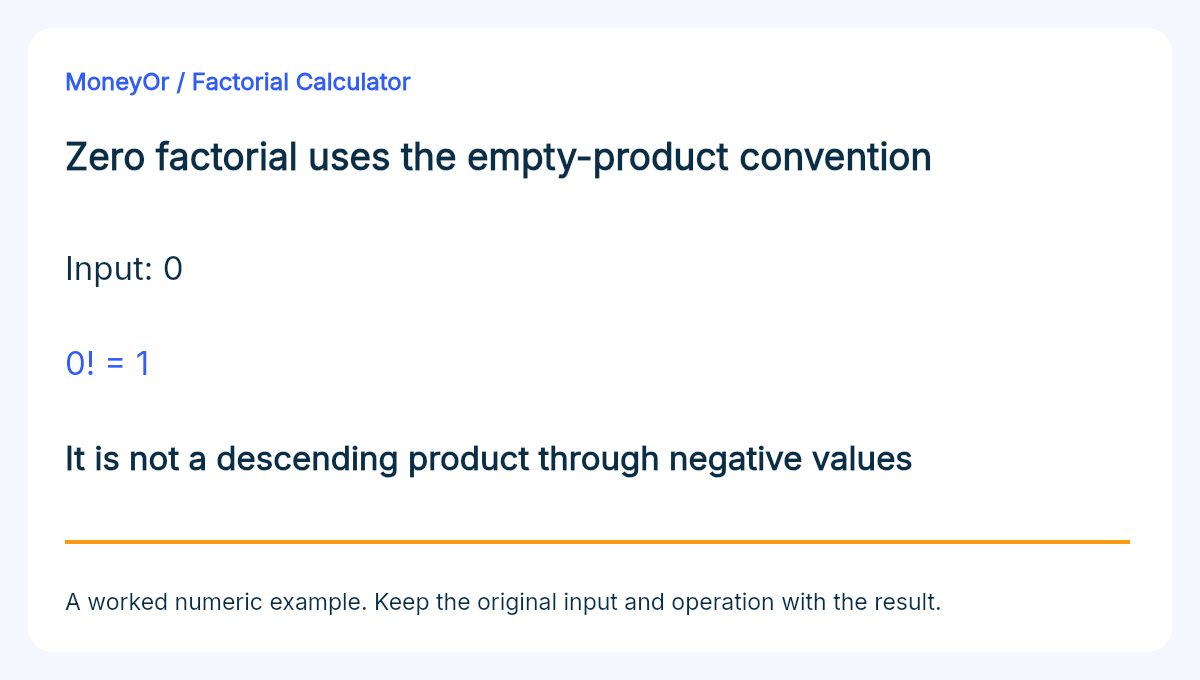
The recurrence also explains why this starting value is useful. Setting n to 1 gives 1! = 1 × 0!. Since 1! is 1, choosing 0! = 1 makes the recurrence continue consistently down to its boundary.
In counting, there is one empty arrangement when there are no objects to place. That arrangement contains no objects, but it is still one possible outcome of the instruction to arrange nothing. A count of zero would mean that even the empty arrangement was unavailable.
OpenStax's Contemporary Mathematics section on permutations, checked in 2026, defines factorials for counting and includes the zero starting value. Its role is mathematical, not a rule invented by this particular calculator.
The outputs for 0 and 1 are consequently both 1. Matching outputs do not mean the inputs are interchangeable in every formula. Keep the original n, especially when it appears elsewhere in a probability or counting expression.
Factorial Calculator small and large examples
The product grows quickly because each next input adds a new multiplier. Increasing n by one does not add a fixed amount to the answer. It multiplies the previous factorial by the new n.
| Input n | n! without grouping separators | Useful check |
|---|---|---|
| 0 | 1 | Defined starting value |
| 1 | 1 | One positive factor |
| 5 | 120 | 5 × 24 |
| 7 | 5040 | 7 × 720 |
| 12 | 479001600 | 12 × 39916800 |
| 20 | 2432902008176640000 | 20 × 121645100408832000 |
The interface groups digits using the Indian English locale. Grouping separators make a long integer easier to read; they do not change its mathematical value. The table omits them so the complete sequence of digits can be compared directly.
At the upper supported input, 170!, the integer contains 307 decimal digits. That long result is valid within the Factorial Calculator's range. Its length is not a request for a scientific-notation display or a larger input limit.
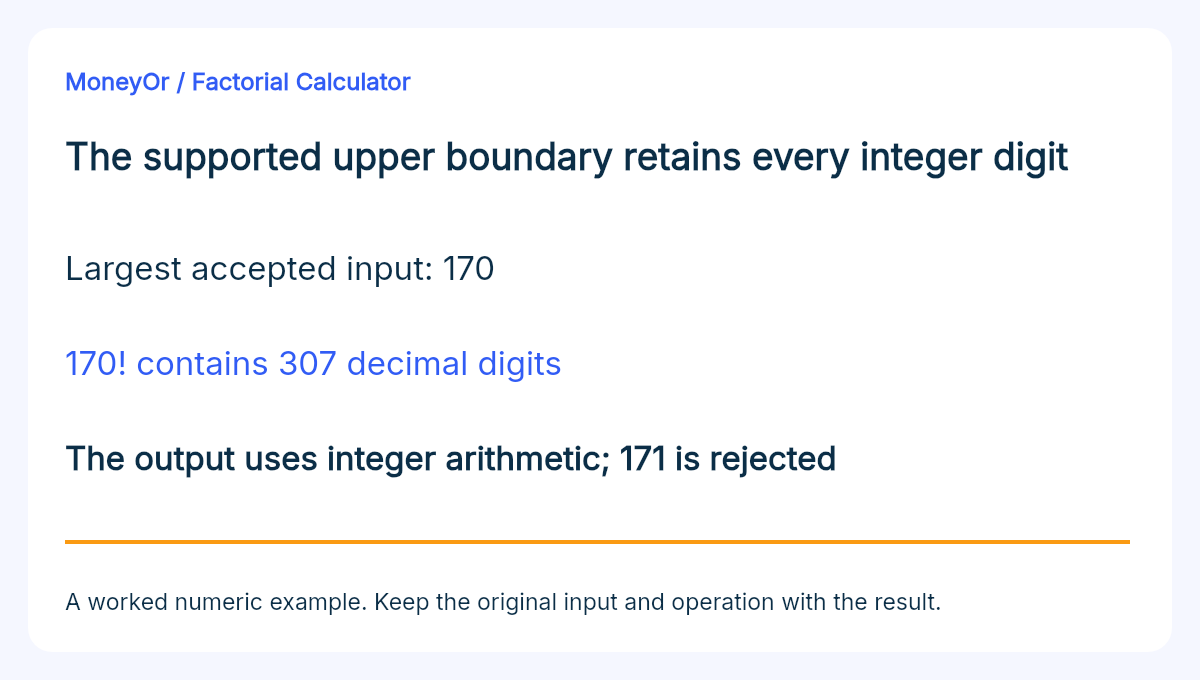
For an ordinary check, compare neighbouring factorials with the recurrence rather than trying to multiply every factor again manually. For a long result, preserve all digits as text and use an exact-integer method to verify it. A shortened screen preview in another application may conceal digits without retaining their exact values.
When does n factorial count arrangements correctly?
The expression n! counts complete ordered arrangements of n distinct objects when each object is used once and every ordering is allowed. For seven distinct labelled folders on a shelf, the count is 7! = 5,040.
The multiplication follows the available choices. There are seven folders available for the first position, then six for the second, continuing until one remains. This describes the counting model rather than a list of arrangements produced by the Factorial Calculator.
If some arrangements are forbidden, n! is usually only a starting total. A rule about which folder must be first, which pair must stay together or which positions are unavailable changes the count. The calculator does not read a written constraint and subtract the disallowed cases.
Identical objects also need care. Suppose six positions contain three identical red markers, two identical blue markers and one green marker. Treating every marker as distinct gives 6!, but swapping identical markers does not create a new visible arrangement. Dividing by 3! × 2! × 1! gives 60 distinct colour sequences.
The ratio calculator can help express a supported numeric ratio once the appropriate counts are known. It does not determine which counting model applies. Write the assumptions before choosing the formula, especially when objects may repeat or positions have restrictions.
How does factorial differ from permutations and combinations?
A factorial orders all n distinct objects. A permutation can select and order only r of them. For that unrestricted no-repetition model, the number of ordered selections is n! divided by (n - r)!.
For eight distinct books and four ordered display positions, the count is 8! / 4!, which reduces to 8 × 7 × 6 × 5 = 1,680. There is no need to copy two enormous factorial results when common factors cancel.
If only the group matters and its internal order does not, a combination uses n! / (r! × (n - r)!). Choosing four books from eight gives 70 groups. Each selected group has 4! = 24 orders, and 70 × 24 returns the 1,680 ordered displays.
The Factorial Calculator returns n! only. It has no separate r field or combination/permutation selector. Evaluate the surrounding formula independently and check the assumptions about replacement and ordering rather than expecting the input n to encode them.
For small intermediate arithmetic, the basic calculator can combine appropriate values. Its ordinary numeric precision differs from this factorial tool's integer product. For large combinatorial counts, keep an exact-integer method throughout instead of passing a long answer through a general floating-point expression field.
Are the long integer digits exact?
Within the supported input range, the engine multiplies integer values using JavaScript BigInt and formats the resulting integer. It does not obtain the factorial by rounding a floating-point approximation. MDN's BigInt reference, checked in 2026, documents the integer type used for that computation.
This exactness applies to the factorial value produced here. It does not make every MoneyOr calculator an arbitrary-precision integer tool, and it does not guarantee that an external application will preserve the copied digits.
A spreadsheet may interpret a long numeric-looking value as an ordinary number and discard lower-order detail. Import or paste a long factorial as text when the digits themselves must be retained. Displaying more decimal places afterwards cannot restore digits already changed during conversion.
The tool still caps n at 170. Although integer arithmetic can represent larger factorials in principle, the form's supported range is the relevant limit for this page. An input above that maximum is not enabled by the number type used internally.
The prime factorization calculator serves a different question about supported integers. It is not a way to paste an arbitrary 307-digit factorial and expect a complete decomposition. Check the limits of each tool before moving data between them.
What should you save or export with a factorial?
Save the input n alongside the complete integer result and any formula in which it will be used. If the factorial represents arrangements, record whether objects are distinct and whether order matters. Those details cannot be recovered from the output digits alone.
Copy result transfers the displayed output where clipboard access is available. Download CSV exports current result information. Neither export forces a spreadsheet to treat long integers as text, so check the destination's import settings before relying on its displayed value.
Save as baseline retains a result for comparison during the current page session. For long factorials, do not treat a generic numeric change display as an exact large-integer subtraction. Preserve the complete factorial strings when exact digit-level comparison matters.
Reset fields restores the default and clears the result and saved comparison. The page is not a permanent history or a document archive. Copy or export required information before replacing the calculation.
The integer product is computed in your browser. The MoneyOr privacy policy describes separate website and analytics practices. A sample count is enough to explore a factorial, so sensitive identifiers or personal records are unnecessary. Keep the mathematical model and the exact output together for later checking.
Frequently asked questions
Can I multiply the factors in a different order?
Yes. Multiplication of the same finite set of integer factors gives the same product regardless of order. You can multiply from 1 upward or from n downward. What matters is including each positive integer once. Do not insert zero into a positive factorial product: that would make the product zero and change the definition. Grouping factors can make a manual check easier without changing which factors belong.
Is factorial the same as an exponent?
No. Factorial multiplies successive positive integers, while an exponent repeats a base as a factor. For example, 5! is 120 and 5 cubed is 125. Use the exponent calculator for a supported power operation rather than entering that exponent into Value.
Can I calculate a decimal factorial?
Not on this page. The input must be a whole number from 0 through 170. Extensions involving the gamma function are outside the tool. A fractional input is rejected rather than interpreted as a request for that different function.
Why can I not enter 171?
The form has an explicit maximum of 170. This is the supported interface limit, even though its integer-arithmetic method could in principle represent larger products. Use a tool whose documented range includes the required input instead of changing the question.
Does n double factorial mean n factorial applied twice?
No. Double factorial is a separate notation involving factors at intervals of two. This page does not offer that operation. Entering n twice in separate runs does not turn the result into a double factorial.
Does a factorial give a probability?
A factorial can supply a count used in a probability calculation, but the integer alone is not a probability. You need a clearly defined outcome space and the appropriate favourable count. Equal likelihood must be justified by the model, not inferred from a large factorial.
Can I paste a list of whole numbers?
The form takes one input per calculation. A comma-separated list is not a request for several factorials. Keep separate input-and-result pairs when comparing a sequence rather than relying on the current result area to store earlier runs.
Do I need an account or an app installation?
No. The browser tool is free to use without a MoneyOr account or a separate mobile app. JavaScript and BigInt support are needed. The same supported numeric range applies on phone and desktop.
Can I use the result in a percentage calculation?
Only after defining the ratio that the counts represent. For small supported values, the percentage calculator can convert a rate into an amount. Large factorial ratios are usually better simplified before numerical conversion, so enormous intermediate integers do not lose precision in an unrelated tool.
Sources
- OpenStax: Contemporary Mathematics: 7.2 Permutations. Retrieved 2026-11-15.
- MDN Web Docs: BigInt. Retrieved 2026-11-15.