Paragraph counter
Try Paragraph Counter
Loading calculator. If this message stays visible, enable JavaScript and reload.
Your result
The paragraph counter counts blocks of pasted text separated by blank lines. Use it to check the structure of a short answer, an article draft or a plain-text submission. Replace the sample, choose Calculate / Run and compare the result with the paragraph breaks you intended to include.
The distinction between a line and a paragraph is central to the Paragraph Counter. One paragraph can wrap across many screen rows, and a manually inserted line break can stay inside the same paragraph block. MoneyOr uses blank-line separators rather than guessing meaning or reading document styles. The worked examples explain how to prepare text so that the reported number has a clear interpretation.
On this page
- What does the paragraph counter count?
- Paragraph Counter inputs and separator checks
- Paragraph Counter examples: lines and blank separators
- Paragraph Counter: diagnosing copied-text boundaries
- Paragraph Counter blank lines and newline formats
- Using Paragraph Counter results to revise an article
- Which related tools help diagnose formatting problems?
- What can I save, and can I run this on mobile?
- Frequently asked questions
- Sources
How to use the Paragraph Counter
What does the paragraph counter count?
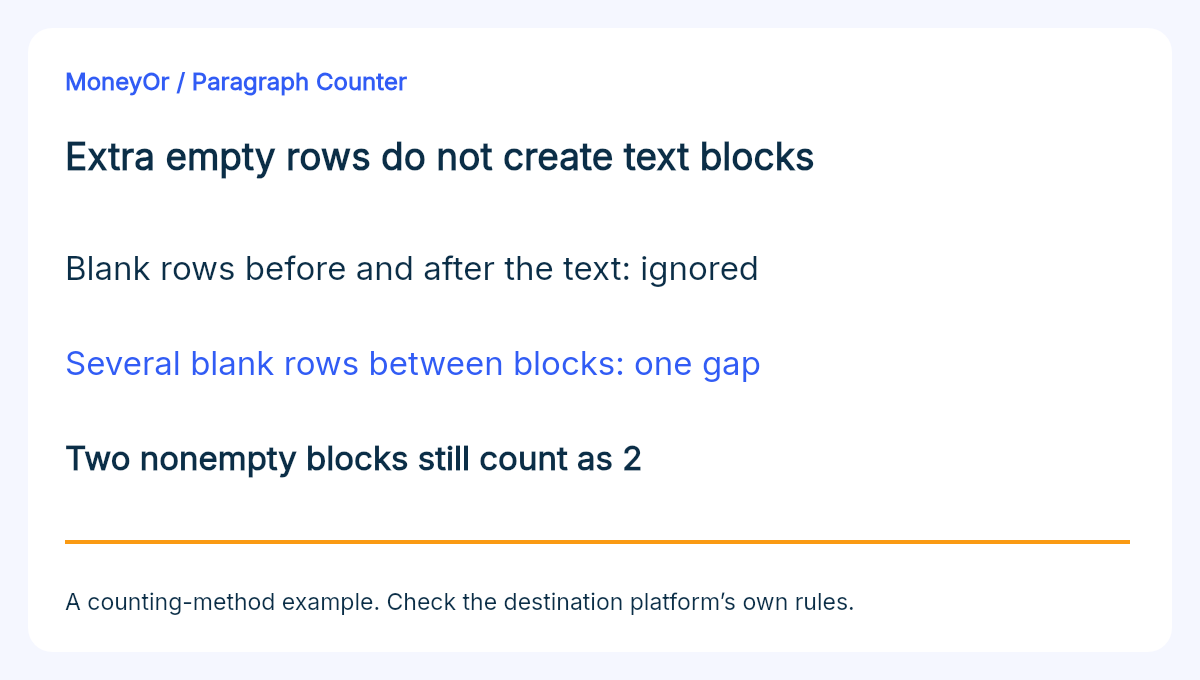
MoneyOr counts nonempty text blocks with a blank line between them. It trims whitespace from the outer ends of the passage, separates the remaining text at blank-line gaps and counts the blocks that contain text. Two adjacent paragraphs separated by several blank lines still produce two blocks. Empty space at the start or end does not create extra paragraphs.
This is a formatting-based count, not an assessment of how many ideas your writing contains. An introduction with three topics but no blank separator is one block. A heading placed alone above a blank line is another block even though you may not regard it as a body paragraph. The Paragraph Counter has no way to know whether that heading belongs in your assignment's requested total.
Before comparing the result with a brief, establish what the brief means by a paragraph. Some editors work with paragraph marks in a document; others expect blank lines in a plain-text field. This page follows the latter convention. If you count only body paragraphs, paste only the body, or record which headings and captions you excluded.
Paragraph Counter inputs and separator checks
- Choose the relevant section in your original document, including any paragraph spacing you want to test.
- Paste it into Paste text, replacing the demonstration passage.
- Inspect the gaps between paragraphs. For this counter, a visual margin alone must be represented by an actual blank line in the pasted text.
- Choose Calculate / Run and read the paragraph result.
- If the total looks wrong, test the boundary between two paragraphs separately before changing the whole passage.
The Paragraph Counter processes the current input when you run it. After editing a separator, run it again so the result matches the latest text. Keep your original document open while doing this. Pasting text into the counter does not update that document, preserve its styles or create a synchronised copy.
For repeated checks, make a short note of what you selected: “body only,” “body plus headings,” or “answer without prompt.” This avoids comparing different scopes by accident. A change from four paragraphs to five may simply mean that a standalone heading was included in the second selection. Scope matters as much as separator formatting.
Paragraph Counter examples: lines and blank separators
In the following table, \n represents an actual line-feed character, not two characters typed as a backslash and a letter. A blank line between two text lines requires two newline characters. These individual examples were checked against MoneyOr's paragraph-counting engine.
| Input layout | Paragraphs | Interpretation |
|---|---|---|
One block | 1 | Nonempty text forms one block. |
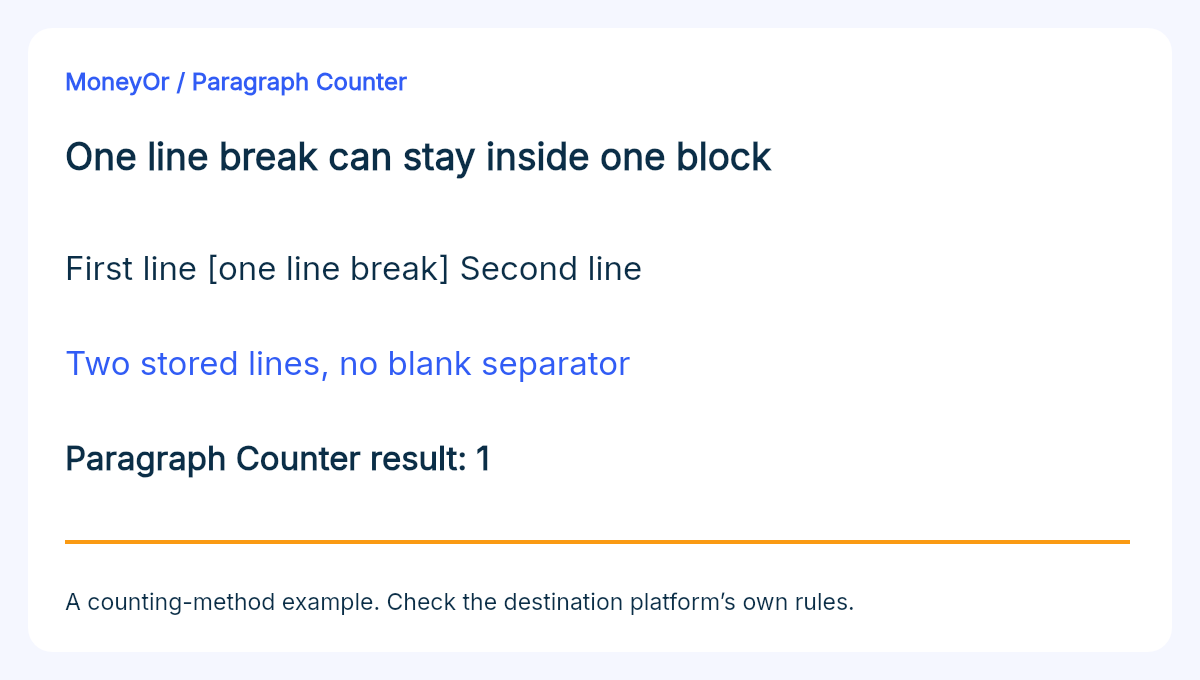
First line\nSecond line | 1 | A single line break stays inside a block. |
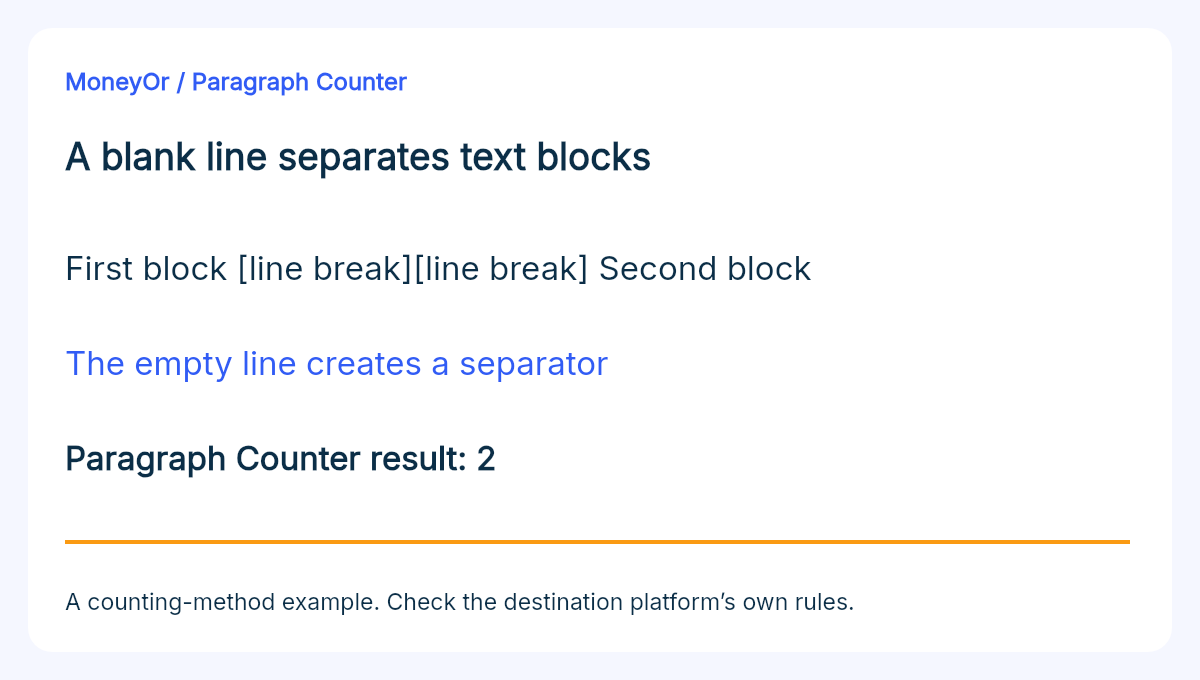
First block\n\nSecond block | 2 | The blank line separates two blocks. |
First\n \nSecond | 2 | A separator line containing an ordinary space still works. |
\n\nFirst\n\n\nSecond\n\n | 2 | Outer whitespace and extra gap lines add no blocks. |
Try an actual two-paragraph sample: “The library opens at ten.” followed by a blank line, then “Returns can be left in the box.” The result is two. Place the second sentence on the next line without an empty line between them and the result becomes one. Both versions contain the same sentences; only the paragraph delimiter changes.
A narrow screen may display each sentence on several rows. Those display rows are not additional stored line breaks, so they do not create more paragraphs. Check the text's separators rather than estimating from the height of the input box.
Paragraph Counter: diagnosing copied-text boundaries
Copying changes more than the visible words. A word processor may represent paragraphs with special document structure and display extra spacing through styles. When copied as plain text, those paragraphs can become consecutive lines with only one newline between them. This counter sees one block unless a blank-line gap remains. A page can therefore look well separated in its source while producing fewer blocks here.
PDF extraction can create the opposite problem. A line of running text may be broken after every visual row, while a page boundary or header inserts an extra empty line. That empty line can divide one logical paragraph into two counted blocks. Look around page transitions, footnotes and column changes when an extract contains unexpected boundaries.
Do not globally remove every newline before diagnosing the problem. That would merge real paragraph separators too. Compare a small section with the original, restore only the intended gaps and rerun it. If the source is HTML, copy the rendered article text rather than its markup. Literal <p> tags in pasted source code are ordinary characters here, not instructions to create paragraphs.
For a submission workflow, test the destination too. Paste a two-paragraph sample into the actual form, inspect its preview and check whether it preserves the gap. Some destinations intentionally collapse whitespace, while others display separate blocks. The counter describes the text you supplied to MoneyOr; it cannot guarantee how a different editor will store or render that text. Keeping both the source and the destination preview available helps you find the stage where the intended separation changed.
Paragraph Counter blank lines and newline formats
The separator rule supports blank-line gaps made from line feeds and the common carriage-return-plus-line-feed sequence. A line containing spaces or tabs between those breaks can serve as a blank separator. Leading and trailing whitespace are removed before counting, so an empty line at the very bottom does not count as a final empty paragraph.
At the engine level, carriage-return-only separators are not the same supported pattern. For example, “First” followed by a carriage return and “Second” remains one block. A tested Windows-style pair of blank line endings between the same words returns two. Browsers and clipboard sources can normalise line endings, so an editor's representation of the pasted value is more informative than guessing from the operating system alone.
Blankness also has a precise meaning. Ordinary spaces and tabs are whitespace, but a zero-width space is not automatically treated like an empty line by JavaScript's whitespace rules. A visually empty separator containing an invisible non-whitespace character can leave blocks joined or introduce content you did not intend. When a tiny test still behaves strangely, replace the suspect gap with two fresh line breaks.
Using Paragraph Counter results to revise an article
Use the count to check an explicit structural plan. A school response might require an opening paragraph, two supporting paragraphs and a closing paragraph. Paste the body with clear blank lines and confirm four blocks. Then read each block to make sure it actually performs its intended role. Four blocks of repeated claims will still count as four.
For an article draft, inspect what each paragraph contributes before splitting or merging it. A long block containing a problem, an example and an unrelated exception may benefit from a deliberate break. A series of one-sentence blocks may be appropriate for instructions, but it may also interrupt a connected explanation. The numerical result can reveal a structural change; it cannot decide which arrangement serves the reader better.
Keep the word counter nearby when a brief combines paragraph and word requirements. A four-paragraph response can be very short or very long. If you divide the word total by the paragraph total, you get only an average across the selected passage. Individual blocks may vary greatly, so inspect the longest one directly rather than relying on the average.
One useful editing record is a paragraph outline. Beside the count, write a few words describing each block: context, reason, example, exception or next step. If two neighbouring blocks perform exactly the same job, read them together and consider whether they repeat information. If one block needs three unrelated labels, it may contain several ideas that deserve clearer separation. This is a reading exercise supported by the count, rather than a rule that every paragraph must have the same length.
Which related tools help diagnose formatting problems?
The line counter counts actual line-separated pieces, including blank lines. Compare it with this tool when a file appears to have several lines but just one paragraph. The sentence counter estimates punctuation-based segments and answers a different question: several sentences can belong to one paragraph.
If unwanted empty lines are the problem, the blank line remover can remove them. Be careful about the order of work: removing blank lines before a paragraph check destroys the very separators this counter uses. Count or save the original structure first, then clean it only if that is what your destination requires.
The text trimmer removes outer spacing on individual lines, while the text cleaner performs a broader cleanup and removes blank lines. They have different effects. Choose based on the specific defect you found and compare the transformed text with the original before publishing. No cleanup operation should be treated as an automatic improvement to every document.
What can I save, and can I run this on mobile?
The tool works in a modern desktop or mobile browser without requiring a tool account. On a small screen, paste the passage and scroll to the run action if the keyboard covers it. The displayed width can change line wrapping, but the stored blank-line gaps determine the paragraph count. Rotate the device only if it makes inspection easier.
Copy result copies the reported result and available result details. Download CSV records the result as a report; it does not produce a formatted document containing your original paragraphs. Save as baseline holds a temporary comparison for the current page. Keep the original passage and any long-term records in your own document. Reset restores the starting fields and clears the displayed calculation.
The paragraph operation processes its input in your browser. The site's general delivery, analytics and contact practices are separate; read the MoneyOr privacy policy for those details. If you only need to investigate a separator issue, use an anonymised short extract. There is no need to include a person's private details to demonstrate a missing blank line.
Frequently asked questions
Does the Paragraph Counter treat each Enter press as a new block?
Not under this tool's rule. A single inserted line break normally keeps text in the same block. A blank line between text blocks supplies the separator used here. A document editor may call each Enter-created block a paragraph, so its own paragraph total can differ from this plain-text blank-line count without either program using the other's convention.
Do headings and bullet lists count as paragraphs?
A heading or list counts according to its blank-line layout. A standalone heading separated from body text by a blank line forms its own block. Several bullet items on consecutive lines with no blank gaps form one block here. If your writing requirement excludes headings or defines every list item separately, prepare the selection or interpret the result accordingly.
Will several empty lines create extra paragraphs?
No. A gap containing multiple blank lines still separates neighbouring nonempty blocks once. Extra whitespace at the beginning or end is trimmed away. A separator containing visible punctuation, however, is no longer simply empty space. Check copied divider lines or decorative symbols if the result includes a block you did not expect.
Can I paste a document file or a web address?
This form takes pasted text. It does not upload a document, fetch a URL or read a PDF file directly. Pasting a web address counts the characters of that address as one text block rather than opening its page. To inspect an article, copy the relevant article text and check how its paragraph separators survived the transfer.
Is there a correct paragraph total for a search-friendly page?
There is no universal total that makes a page useful or guarantees a search position. Paragraph breaks should help readers follow the explanation. A short definition and a detailed tutorial can reasonably need different structures. Meet an explicit brief when one exists, then review whether each block has a clear purpose and whether the page answers the reader's actual question.
Why should I rerun the paragraph counter after cleanup?
Removing blank lines, joining lines or copying from a different source can change the block structure even when all the words remain. Rerun the paragraph counter after those changes and compare a small sample with your intended layout. Keep the pre-cleanup version until you have confirmed that no meaningful separation was lost.
Sources
The examples follow MoneyOr's blank-line separation rule. Background on the browser's plain-text control and its wrapping behaviour: MDN Web Docs, The textarea HTML element, exact URL https://developer.mozilla.org/en-US/docs/Web/HTML/Reference/Elements/textarea, reference checked 26 November 2026. Document styling and semantic paragraph quality remain outside this tool's count.