Whitespace remover
Try Whitespace Remover
Loading calculator. If this message stays visible, enable JavaScript and reload.
Your result
The whitespace remover deletes recognized whitespace characters from a block of text. Spaces, tabs and line endings disappear rather than becoming single spaces. For example, words separated by several kinds of whitespace are joined directly together. Use this operation only when the destination needs a continuous string and the missing boundaries are intentional.
MoneyOr uses JavaScript whitespace matching for this transformation. That includes more than the ordinary space key, but it does not mean every invisible Unicode character is removed. Keep your original text, test a small example and inspect the result before replacing a document or identifier. If your aim is readable prose with tidier spacing, a less destructive operation is usually more suitable.
On this page
- Whitespace Remover JavaScript whitespace scope
- Whitespace Remover intentional boundary removal
- Whitespace Remover comparison with targeted cleanup
- Whitespace Remover spaces, tabs and Unicode examples
- Which invisible or unusual characters can remain?
- When is a continuous spaceless result useful?
- Why is this unsuitable for minifying code or structured data?
- What are the input limit and processing boundaries?
- Whitespace removal questions
- Source and practical check
Whitespace Remover guide and examples
Whitespace Remover JavaScript whitespace scope
The whitespace remover deletes each character matched by JavaScript's whitespace character class. Ordinary spaces, horizontal tabs, carriage returns and line feeds are included. The operation does not distinguish between a space that looks accidental and a space that separates two important words. All matching characters are deleted throughout the input.
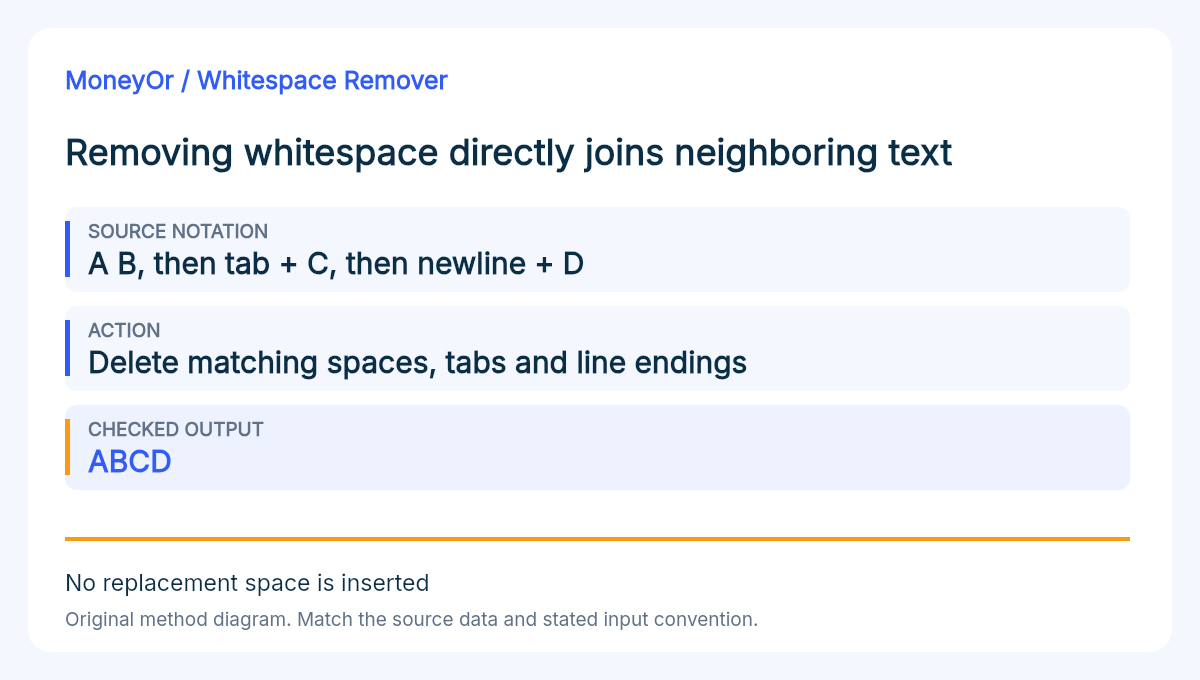
The checked source containing A B, a tab before C and a newline before D becomes ABCD. No replacement character is inserted at the deleted positions. Digits and punctuation remain unless they themselves are part of the whitespace definition, so a comma-separated string still contains its commas after surrounding spaces are removed.
This task differs from trimming a line's edges or reducing repeated spaces to one. The Text Trimmer keeps internal spacing. The Extra Space Remover is intended for cleaning repeated spacing. Choose based on the output you need rather than the broad idea of making text look cleaner.
Whitespace Remover intentional boundary removal
Start by writing down what the destination expects. A continuous artificial test string is different from an address, a sentence or a sequence of fields. If the spaces define words or columns, deleting them changes the structure. Preserve a copy before you run the conversion, even when the input looks short and simple.
- Paste a representative sample into Your text.
- Check for tabs, newlines and nonbreaking spaces as well as ordinary spaces.
- Run the operation and compare every intended boundary.
- Confirm that the destination accepts the resulting continuous string.
- Process the full input only after the sample behaves as intended.
After copying the result, inspect its beginning and end. A long unbroken string can extend beyond the visible area in another application. Confirm that the transfer includes all characters and has not introduced a new line break. The Whitespace Remover removes whitespace in the input; it cannot control how a destination editor wraps or reformats pasted text.
Do not use removal as a substitute for validation. A string can satisfy a no-space requirement while still containing an incorrect number, wrong punctuation or an unsupported symbol. Check those requirements separately in the application that will actually use the value.
For an important value, compare the surviving non-whitespace characters in order. Removal should not reorder them. If a character seems missing, return to the original and check whether it was actually a whitespace character or whether the copy step omitted part of the source. Do not repair an uncertain identifier by guessing.
Whitespace Remover comparison with targeted cleanup
Several operations can make spacing look simpler while producing very different text. This table compares their purposes. It describes the current MoneyOr operations so you can select the smallest change that addresses the problem. Keep the original if you plan to try more than one transformation.
| Desired outcome | Suitable operation | What to inspect |
|---|---|---|
| A continuous string with no recognized whitespace | Whitespace Remover | Words and fields will be joined. |
| Remove spaces at each line's edges | Text Trimmer | Leading indentation will be lost. |
| Remove empty and whitespace-only rows | Blank Line Remover | Remaining row positions will shift. |
| Turn hard line endings into spaces | Line Break Remover | Paragraph boundaries will be flattened. |
| Trim lines, collapse internal whitespace and remove blank rows | Text Cleaner | Alignment and blank-line structure will change. |
For example, a sentence with extra spaces usually still needs spaces between words. Deleting all of them makes it harder to read. A copied list may need blank-row removal while preserving the spaces inside each entry. These are distinct editing intentions and should not be combined without reviewing the intermediate output.
Use the Blank Line Remover when the unwanted material is whole empty rows. Use the Line Break Remover when the unwanted material is a hard wrap inside prose and words should remain separated.
Whitespace Remover spaces, tabs and Unicode examples
The source red blue becomes redblue. This result loses the outer spaces and both spaces between the words. The output does not remember whether the original boundary contained one space or several. Restoring that distinction requires the saved source.
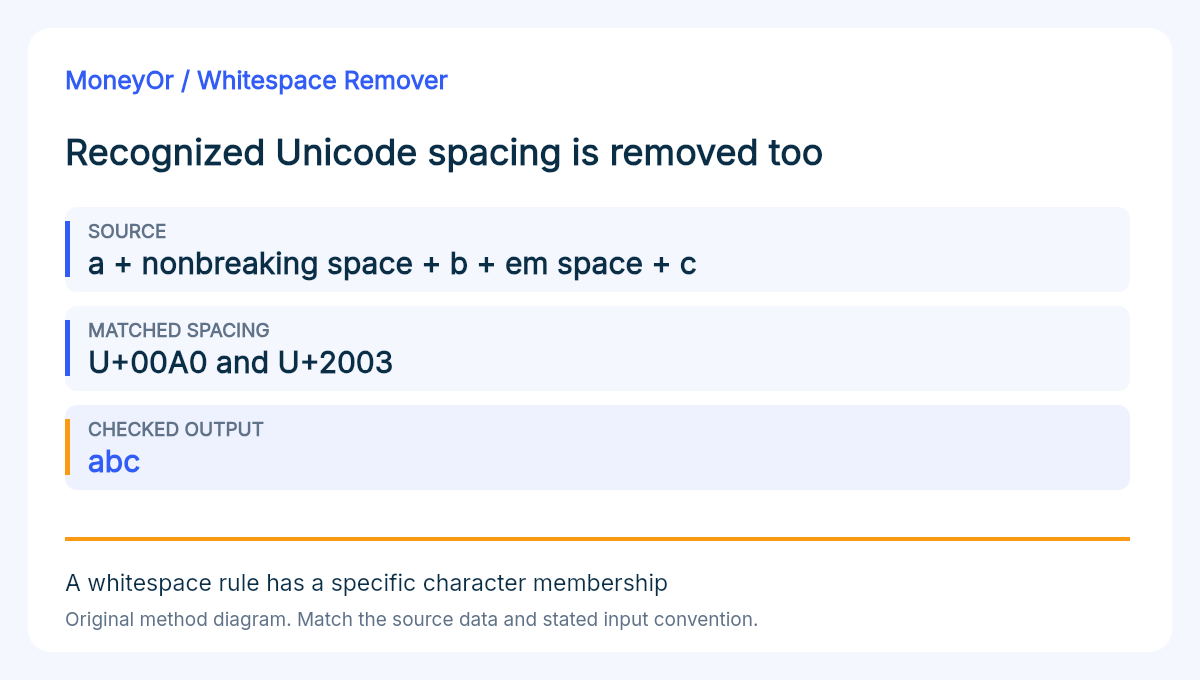
In another checked example, an ordinary a is followed by a nonbreaking space, b, an em space and c. The result is abc. Both of those Unicode spacing characters are recognized by JavaScript whitespace matching. Their appearance in a pasted document may differ from ordinary spaces, but they are still removed by the Whitespace Remover.
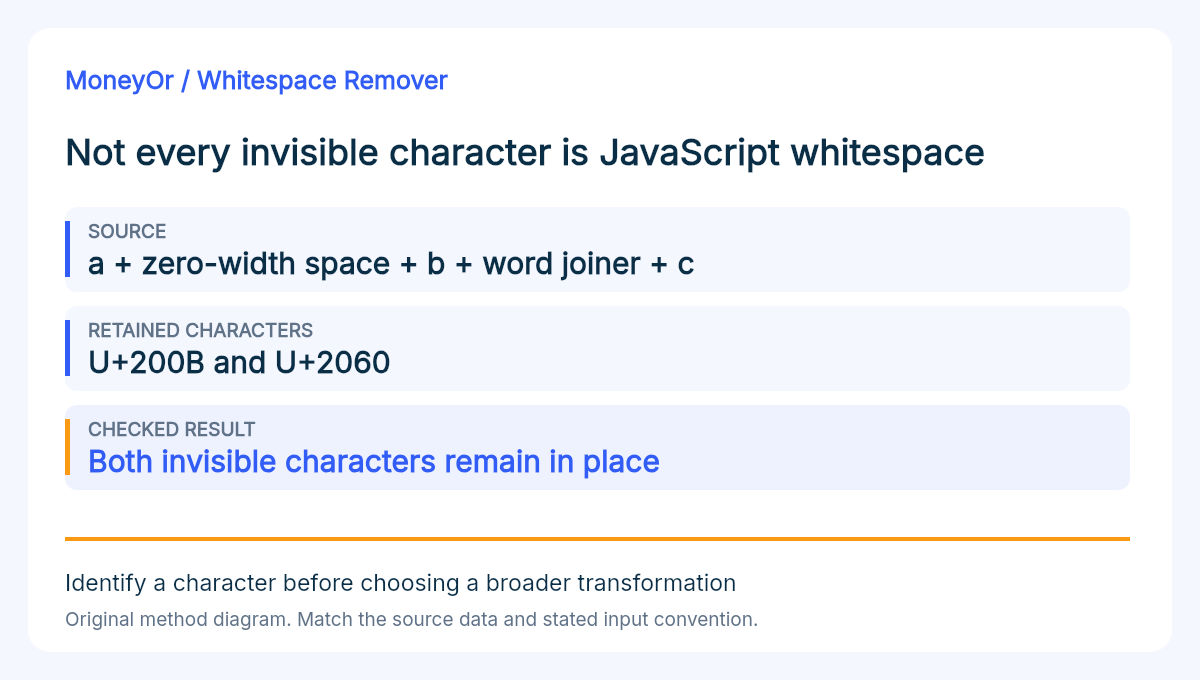
A contrasting test puts a zero-width space between a and b, then a word joiner between b and c. Those characters remain. To avoid inserting invisible sample characters into this explanation, they are named here rather than embedded in the prose. Their continued presence means the Whitespace Remover is not a universal invisible-character cleaner.
The numeric-looking source 12 34 becomes 1234. That is text concatenation, not arithmetic or number validation. If the source represented separate fields, the result has lost their boundary. Never infer that a compacted numeric string has become a valid account number, measurement or identifier merely because it contains fewer characters.
Which invisible or unusual characters can remain?
Characters outside JavaScript's whitespace class remain, even when they are difficult to see. Zero-width spaces and word joiners are two checked examples. Letter accents, punctuation variants and lookalike letters are also outside the purpose of whitespace deletion. The Whitespace Remover does not apply Unicode normalization or replace visually similar letters.
MDN Web Docs' Character class escape reference, checked 26 November 2026, explains that the whitespace class matches whitespace and line terminators. This is a technical membership rule. It is different from deciding that a character is unwanted in a particular language or document.
Some invisible characters have legitimate functions in writing systems and text layout. Removing them indiscriminately can change rendering or meaning. If you are diagnosing a particular copy-and-paste problem, identify the character and the destination requirement first. Do not assume all invisible characters should be deleted or that remaining invisible content makes the text invalid.
The Text Cleaner also has a limited, documented whitespace task. Its name does not make it an authorship detector, a grammar editor or a complete Unicode inspector. Use a purpose-built text or code-point inspector when you need to determine exactly which unfamiliar characters are present.
When is a continuous spaceless result useful?
One legitimate use is preparing an artificial test string for a form that is supposed to reject whitespace. Another is converting a deliberately grouped sample into the compact representation expected by a specific system. The important condition is that you already know the required representation and can verify it afterward.
For a form test, use invented, nonsensitive sample data. Compare how the Whitespace Remover responds to a spaced version and a compact version. The remover generates one of those samples; it does not establish whether the form's behavior is correct. Keep the expected response in your own test notes.
For a published identifier with visual grouping, consult its actual specification before removing spaces. Some systems allow separators for display while requiring a compact value for entry. Others treat spacing as significant or require punctuation that the Whitespace Remover leaves unchanged. The converter cannot infer those rules from the characters alone.
Ordinary paragraphs, mailing addresses, poetry and fixed-width tables are poor candidates for complete deletion. Their spacing contributes to readability or structure. If you only want to fit a value into one line, consider joining lines with a chosen separator rather than deleting every whitespace character inside every entry.
Display wrapping can be confusing during this review. A narrow text box may show several visual rows even when the string contains no newline. Widening the box or moving the cursor can reveal the difference. The Whitespace Remover acts on stored characters, so a browser's decision to wrap a long line has no effect on which characters are deleted.
Likewise, a space visible in rendered HTML may come from layout rather than from a literal space in the copied string. Inspect the actual pasted text rather than relying on the source page's appearance. When a compact result is intended for machine input, compare it with the documented accepted example in that system.
Why is this unsuitable for minifying code or structured data?
A whitespace deletion rule does not understand programming syntax. Removing a space between language keywords and names can alter tokens. Removing whitespace inside a quoted string changes its value. Deleting line endings can also affect a format in ways that depend on its grammar. A shorter output is not proof of valid code.
Use the JSON Minifier for its dedicated JSON task rather than treating JSON as arbitrary text. Structured formats need parsers that distinguish insignificant formatting from meaningful string contents. A generic text operation cannot make that distinction.
The same caution applies to spreadsheet exports. A tab may separate columns; a newline may separate records. Removing both can turn a table into an ambiguous string. Once those boundaries have disappeared, neither the original row count nor column allocation can be recovered reliably from the compact result alone.
If a destination requires a special export format, use that application's export or formatting workflow. Whitespace removal may be one explicitly required step, but it should never silently replace parsing, escaping, quoting or schema validation. Preserve the source whenever a transformation discards information.
Case is unaffected by whitespace deletion. If two remaining letters differ in uppercase and lowercase, they keep that distinction. Do not combine a case conversion with whitespace removal merely because both are available. Make each change for a stated requirement, inspect its result and keep enough source information to undo the work accurately.
What are the input limit and processing boundaries?
The engine accepts input up to 500,000 JavaScript string units. A checked ASCII sample exactly at that boundary is accepted; a 500,001-unit sample is rejected. A JavaScript string unit is a UTF-16 unit, so the limit is not necessarily the number of visible symbols. Emoji and some other characters can use multiple units.
Removal itself can only shorten or retain the input length. That does not make a very long output easy to review. When a sample becomes one continuous block, compare it in an editor that can display long lines without silently changing the content. Visual wrapping is not the same as a stored newline.
The transformation runs in the browser tool engine. Broader website delivery, analytics and storage practices are separate from that local operation. Consult the MoneyOr privacy policy for the site's stated practices, and use sample material when checking unfamiliar behavior.
No separate trimming mode, regular-expression field, file parser or semantic repair is part of this task. Treat the output as the direct deletion result. Before using it, confirm that the destination really requires all recognized whitespace to disappear and that the original remains available if the decision changes.
If the result unexpectedly becomes empty, inspect the source before assuming the Whitespace Remover failed. An input made entirely of matching whitespace has no surviving characters. An apparently blank source can also contain non-whitespace invisible characters, which remain. Those two cases look similar on screen but represent different strings and require different decisions.
Whitespace removal questions
Will tabs be replaced by one space?
No. Tabs are deleted. The characters on either side become adjacent. If those tabs separate columns, use a structured import or an intentional delimiter conversion so the field boundaries remain understandable.
Can the tool restore the spaces afterward?
No. Several different inputs can produce the same compact string. Keep the source before removing whitespace. Guessing word boundaries later is unreliable, especially for names, codes and numbers.
Does it remove the literal text backslash n?
No. A backslash followed by n is ordinary text here. An actual newline is whitespace and is removed. When testing an escaped example, distinguish its printed notation from the underlying characters.
Are hyphens and punctuation deleted too?
No. The Whitespace Remover targets whitespace. A hyphen, slash or comma remains. If your destination forbids those symbols, handle that requirement separately rather than assuming a whitespace-free result meets every formatting rule.
Does the output certify that a string is safe or valid?
No. The result only shows the requested character deletion. It does not validate identifiers, inspect malicious content or establish correctness for another system. Review the destination's actual requirements before using the compacted text.
Source and practical check
MDN Web Docs, Character class escape, checked 26 November 2026, supports the whitespace definition linked above. Use the checked examples as a guide, retain your source and approve every intentional loss of spacing before replacing the original.