Alternating case converter
Try Alternating Case Converter
Loading calculator. If this message stays visible, enable JavaScript and reload.
Your result
The alternating case converter changes English ASCII letters into a repeating lowercase, uppercase pattern. MoneyOr starts with a lowercase letter, counts only letters a through z and continues the pattern across spaces and line breaks. Digits, punctuation, emoji and letters outside that ASCII set remain unchanged and do not advance the pattern.
Use it for a short informal text style or a predictable mixed-case sample. It does not randomize capitals, invert the original case or restart at every word. Keep the original when names, code or exact capitalization matters. Review the result in context, since alternating capitals can change a message's tone and make a long passage harder to read.
On this page
- Alternating Case Converter lowercase-first pattern
- Alternating Case Converter selection and review
- Alternating Case Converter ASCII letter positions
- Alternating Case Converter complete worked example
- How does it differ from inverse case, title case and random case?
- What happens to accented letters and other writing systems?
- When is alternating case appropriate, and what should stay unchanged?
- What limits and practical checks apply?
- Frequently asked questions
- Sources
How to use the Alternating Case Converter
Alternating Case Converter lowercase-first pattern
The alternating case converter lowercases the first matching English letter. The second is uppercased, the third lowercased and so on. Existing capitalization does not determine the result. An all-capital source and a lowercase source with the same letters produce the same alternating pattern.
For checked input HELLO world, the result is hElLo WoRlD. The first five letters use lowercase, uppercase, lowercase, uppercase and lowercase. The space stays, and the next letter uses uppercase because it is the sixth matching letter in the whole input.
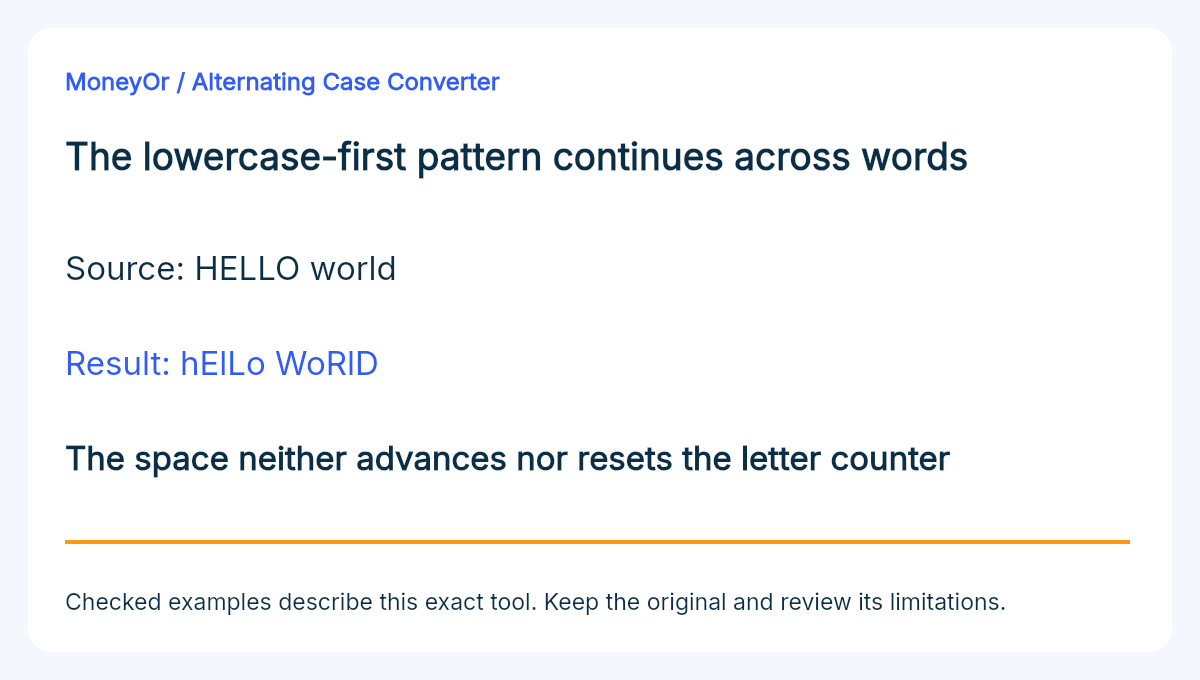
The Alternating Case Converter sequence runs across the complete string. It does not start again at the next word, sentence or line. There is no uppercase-first option or per-line reset control. If you need ordinary capitalization choices instead, the Text Case Converter serves that broader comparison.
Alternating Case Converter selection and review
Paste the source into Your text and run the conversion. Begin with a short sample that includes spaces and punctuation, because those reveal how the counter continues. Read the result as a complete message before deciding whether the visual style suits the context.
- Keep a copy with the original capitalization.
- Enter the phrase exactly as it should otherwise appear.
- Run the lowercase-first alternating operation.
- Check word boundaries, names and any non-English text.
- Preview the result in the destination before sharing it.
If you change an early letter in the source, the pattern after that point can change. Inserting or removing a matching English letter changes which later positions receive uppercase. Inserting a digit or punctuation mark does not. This is useful when diagnosing why the rest of a phrase looks different after a small edit.
Do not manually repair a brand name and then rerun the result expecting that repair to be protected. The same deterministic pattern will be applied again. Save the final edited version separately if you intentionally preserve a name's normal spelling within the styled passage.
Selections also affect the starting state. Converting one phrase on its own starts that phrase with the lowercase-first counter. Converting it as the second half of a larger passage can give its first English letter a different case, because earlier letters have already consumed positions. Decide what constitutes the full styled unit before generating the final version.
For several independent captions, convert each caption separately if each should begin from the same starting rule. Pasting all captions as separate lines applies one continuous sequence instead. This is a workflow choice rather than a multiline setting. Keep a note of which approach you used when consistency across a set matters.
Alternating Case Converter ASCII letter positions
The Alternating Case Converter preserves them without consuming a lowercase or uppercase position. The counter advances only when an ASCII English letter is processed. A hyphen, comma, digit or newline can separate matching letters visually without resetting or advancing their sequence.
| Checked input | Checked result | What the example shows |
|---|---|---|
| HELLO world | hElLo WoRlD | Original case is replaced; spaces do not reset. |
| a1b-c d | a1B-c D | Digit, hyphen and space do not consume positions. |
| abc followed by newline then def | aBc followed by newline then DeF | The sequence continues across the row boundary. |
| éABC | éaBc | The accented opening letter is preserved and not counted. |
| ab, grinning-face emoji, cd | aB, same emoji, cD | The emoji remains intact and does not advance the counter. |
| NASA API | nAsA aPi | Acronyms are not protected. |
The table deliberately distinguishes displayed separators from matching letters. A long number inside a phrase does not change the pattern for the next English letter. A single extra English letter does. This is letter-position alternation, not character-position alternation.
The Character Counter measures text using its own rule, so its total should not be treated as the alternating counter. Spaces, symbols and non-ASCII letters can contribute to a character count while being ignored by this pattern.
Alternating Case Converter complete worked example
Use the Alternating Case Converter with checked source a1b-c d. The a is the first matching letter, so it becomes lowercase a. The digit 1 is copied and does not advance the counter. The b is the second matching letter, so it becomes uppercase B. The hyphen is copied unchanged.

The c is the third matching letter, so it is lowercase. The space remains without consuming a position. The d is the fourth matching letter and becomes uppercase D. The complete output is a1B-c D. No punctuation is added and no word boundaries are inferred.
Now compare the checked multiline source containing abc, a newline and def. The first row becomes aBc. The next d is the fourth matching letter overall, so the second row begins with uppercase D and becomes DeF. Treating each row as an independent run would produce a different result.
These Alternating Case Converter outputs were checked against the current engine in code. They give a reproducible account of the counter rather than a general promise about multilingual capitalization. When preparing your own example, inspect the matching letters in order and ignore separators when deciding the next case.
How does it differ from inverse case, title case and random case?
Inverse case depends on the original state of each letter: capitals and lowercase letters exchange roles. This operation instead follows a new fixed sequence. It can leave some letters looking unchanged by coincidence, but that is not evidence that it inverted the source.
Title case aims at word or heading capitalization, depending on the specific tool. The Title Case Converter applies a different basic word-capitalization rule. Alternating case does not distinguish important words, names or sentence starts, and it does not implement an editorial style guide.
Random case varies according to randomness or another choice process. MoneyOr's alternating output is deterministic. Running the same source again produces the same pattern. There is no random seed, probability slider or option to choose a different sequence.
The Uppercase Converter makes every cased letter uppercase according to its own method, while the Lowercase Converter makes text lowercase. Those operations can suit a display or normalization requirement that alternating capitals would not.
Choose the transformation based on the actual communication or test requirement. Several kinds of mixed case can look similar at a glance, but they encode different rules. If you are comparing services, check their starting case and treatment of spaces before assuming their results should match.
What happens to accented letters and other writing systems?
The Alternating Case Converter matching set is ASCII English letters, not every letter in Unicode. An accented letter such as é is retained as entered and does not advance the counter. In the checked source éABC, the A becomes the first matching letter and is lowercased, producing éaBc.

Other scripts and symbols likewise remain outside the alternation rule unless a character is an ASCII letter. This can create a visually uneven style in multilingual content. The Alternating Case Converter does not apply language-specific casing rules or transliterate text into English before alternating.
The Alternating Case Converter iterates the source as Unicode code points rather than blindly splitting supplementary symbols into UTF-16 halves. A checked emoji remains intact. That does not mean it performs full linguistic segmentation or treats every complex visual character as one language-aware unit.
Do not remove diacritics simply to make the visual pattern appear more uniform. Accents can distinguish words and names. If the intended destination needs a different representation, establish that requirement separately and preserve a faithful original.
MDN Web Docs' String.prototype.toUpperCase() and String.prototype.toLowerCase(), reference checked 26 November 2026, describe the case-conversion methods. MoneyOr restricts which source letters invoke them in this particular pattern.
When is alternating case appropriate, and what should stay unchanged?
It can work for a deliberately informal short phrase or a predictable test sample containing mixed-case English letters. Context matters. A recipient may read alternating capitals as playful, mocking or difficult to scan, so preview the message rather than assuming the visual effect always adds emphasis in the intended way.
Keep exact names, URLs, email addresses, identifiers and code unchanged when their capitalization matters. The converter does not know which text is a label and which is a machine-readable value. Apply styling to selected prose rather than to a whole document containing several kinds of content.
For longer passages, frequent case changes can make reading less comfortable. Keep instructions, accessibility-critical information and ordinary explanatory prose in a conventional readable form. A short decorative sample has a different purpose from the main content people need to understand quickly.
A mixed-case sample can test whether your own application preserves input case. Record the expected sample and compare the saved result with it. The converter supplies predictable text; it does not establish whether case-sensitive behavior is correct for that application's requirements.
Separate test data from real identifiers. A sample can deliberately contain a name-like word, but it should be obvious that it is artificial if used in a screenshot or shared report. Do not present generated mixed-case text as a real user's entry or evidence of an event that did not happen.
When comparing the visual effect in different editors, use the same stored output and inspect its letters directly. An all-capitals display style can hide the difference between lowercase and uppercase in the source. Copying from that display may or may not reflect the underlying string, depending on the application, so verify the actual transferred value.
If the destination changes case automatically, compare its saved value rather than only the preview. Fonts and styles can also display text in capitals without changing its stored letters. Distinguish visual presentation from actual string content before reporting that the alternating pattern was lost.
What limits and practical checks apply?
The Alternating Case Converter accepts source input up to 500,000 JavaScript string units. String units are UTF-16 units rather than necessarily visible-symbol counts. A supplementary character can take more than one unit even though it appears as one symbol. The cap is not a word allowance.
The Alternating Case Converter preserves spacing and line endings rather than cleaning them. If accidental padding is a separate problem, the Text Trimmer can address line edges. Do not remove meaningful spacing just to make a decorative phrase fit a particular screen.
The operation runs in the browser tool engine. The MoneyOr privacy policy describes broader website practices, which are separate from the local case transformation. Use ordinary sample phrases when testing the pattern and avoid unnecessary use of sensitive material.
Before using an Alternating Case Converter result, confirm the lowercase-first starting rule, inspect the letters after punctuation and newlines, and compare any non-English names with the original. Save the source if original capitalization may need to be restored later. The alternating output does not retain the original capital positions.
If your purpose is simple normalization, alternating case is usually the wrong representation. A destination might require lowercase text or preserve a user's original spelling. Establish that requirement first. This pattern is most useful when the alternating sequence itself is the desired output, rather than a generic way to make text look different.
Frequently asked questions
Can I start with an uppercase letter?
The current operation starts lowercase and offers no starting-case switch. Editing the first letter manually does not change the rest of the generated sequence. Choose a tool or workflow with an explicit alternate starting rule if that is required.
Will every word begin lowercase?
No. The counter continues across words. A word begins with whichever case is next in the overall letter sequence. Spaces neither reset nor advance it, so the first letter of later words depends on earlier matching letters.
Can the original capitals be recovered afterward?
Not reliably from the styled output. The operation overwrites the original case pattern. Keep the source if acronyms, names or other capitalization choices may need restoration. Applying uppercase or lowercase afterward creates another representation; it cannot reveal which capitals the author originally chose. Use the saved original as the reference for any faithful reconstruction.
Why did adding a digit leave the later pattern unchanged?
Digits are copied without advancing the letter counter. The same is true of punctuation and spaces. Adding or removing a matching English letter, rather than a digit, changes the later alternating positions.
Does it create a different pattern on each run?
No. The rule is deterministic and begins from the same lowercase-first state for each full input. It does not produce random styling or learn preferences from an earlier result.
Sources
MDN Web Docs, String.prototype.toUpperCase() and String.prototype.toLowerCase(), reference checked 26 November 2026, are linked above. Keep the original, check the continuous ASCII-letter pattern and use the style only where the complete message remains clear.