Duplicate line remover
Try Duplicate Line Remover
Loading calculator. If this message stays visible, enable JavaScript and reload.
Your result
The duplicate line remover keeps the first occurrence of each exact text line and removes later copies. Paste one entry per line, choose Calculate / Run, then review the unique list. For example, three lines containing pear, apple and pear become two lines: pear followed by apple.
Matching is case-sensitive and preserves spaces within each retained line. The Duplicate Line Remover does not sort the result, merge similar names or determine whether different email addresses belong to one person. Its purpose is narrower: remove repeated, identical lines while preserving the order in which distinct entries first appeared. Understanding that rule helps you prepare a list without accidentally discarding meaningful differences.
On this page
- Duplicate Line Remover: exact matching
- Duplicate Line Remover: preparing a list
- Duplicate Line Remover examples of exact matching
- Why do differences in case, spaces and accents remain?
- Duplicate Line Remover: blank lines and newline conventions
- When should I deduplicate a list, and when should I keep repeated rows?
- How can I combine deduplication with sorting and other tools?
- How do result controls and browser processing work?
- Duplicate line remover FAQs
- Sources and method
How to use the Duplicate Line Remover
Duplicate Line Remover: exact matching
The duplicate line remover separates pasted text at line breaks, compares complete lines and retains one copy of each distinct value. The comparison covers the entire line, not a selected word or column. If an entry appears several times, its first appearance determines its position in the output. Later identical entries disappear, even when other lines occur between them.
Suppose the input is pear, apple, pear, banana, each on its own line. The result is pear, apple, banana. It does not move apple ahead of pear. Preserving first-seen order can matter when a list records an intended sequence rather than an alphabetical catalogue.
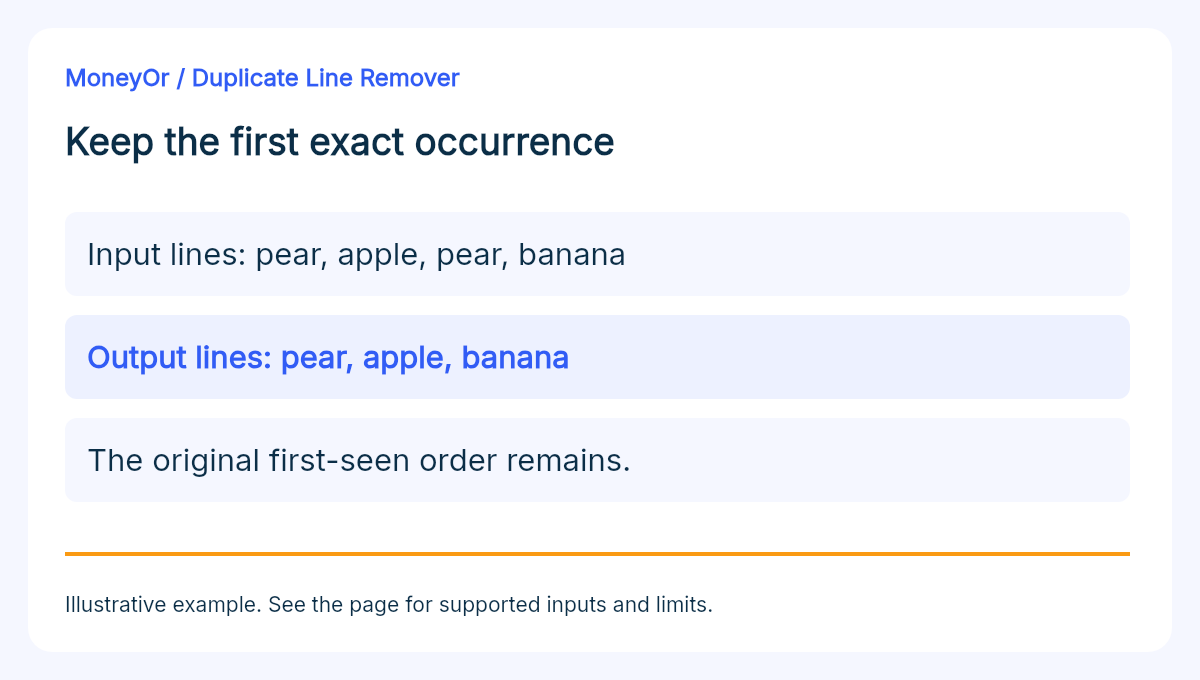
This is exact deduplication, not a judgement about real-world identity. A. Sharma and Anil Sharma remain separate lines. Two identical names may also refer to different people. Choose a reliable record identifier before applying a text operation to information where each row represents a person, payment or event.
Duplicate Line Remover: preparing a list
- Save an unchanged copy of the source list.
- Place each complete entry on its own line.
- Paste the list into Text, replacing the sample.
- Choose Calculate / Run.
- Inspect the retained entries, their order and any intentional blank line.
- Copy the result into a separate destination before replacing the source.
Start with a small sample if you are unsure about the matching rule. Include an exact repeat, a differently capitalised entry and an entry with an extra space. The result will show which differences the tool preserves. Once that matches your intended definition of a duplicate, run the complete list and check several entries from its beginning, middle and end.
Do not assume that a line wrapping on screen creates a new entry. A long sentence may occupy several visual rows in a narrow field while remaining one stored line. Conversely, a pasted paragraph containing explicit line breaks creates multiple entries. The line counter helps inspect that structure before removing repeats.
Keep unrelated headings outside the input. A heading pasted with the list becomes an ordinary entry and may be retained or removed by the same rule. The Duplicate Line Remover has no way to distinguish a category label from an item. If several groups must stay separate, process each group separately rather than letting one group's entries remove matching lines from another.
Duplicate Line Remover examples of exact matching
Each row below is an independent example. The notation \n means a stored line feed, while a visible space within a code sample is part of that entry. These examples were checked against the MoneyOr engine, including the differences in letter case and whitespace.
| Input | Result | Reason |
|---|---|---|
pear\napple\npear | pear\napple | The second pear is identical to the first. |
Pear\npear\nPear | Pear\npear | Capital P and lowercase p remain distinct. |
pear\n pear\npear | All three lines remain. | Leading and trailing spaces are significant. |
a,a\na,a\nb | a,a\nb | A comma does not split a line into separate items. |
a\n\nb\n\n | a\n\nb | Only the first empty-line value remains. |
The table describes the plain-text result, not a downloadable file's byte structure. Copying through another application can change line endings or whitespace. Compare the destination with the result you intended, especially if the receiving program interprets blank rows or trailing spaces as significant fields.
There is no formula for recognising an exact repeated line. The operation uses a collection of unique string values and preserves their insertion order. MDN's Set documentation, checked in 2026, describes those two properties. MoneyOr applies them to the complete lines produced by its line-splitting step.
Why do differences in case, spaces and accents remain?
A difference that is small to a reader can still make two strings distinct. The Duplicate Line Remover does not lowercase text, trim each entry or collapse repeated spaces before comparing. North Gate and North Gate therefore remain separate. That is useful when spacing is meaningful, but it requires a deliberate cleanup step if inconsistent spacing is merely accidental.
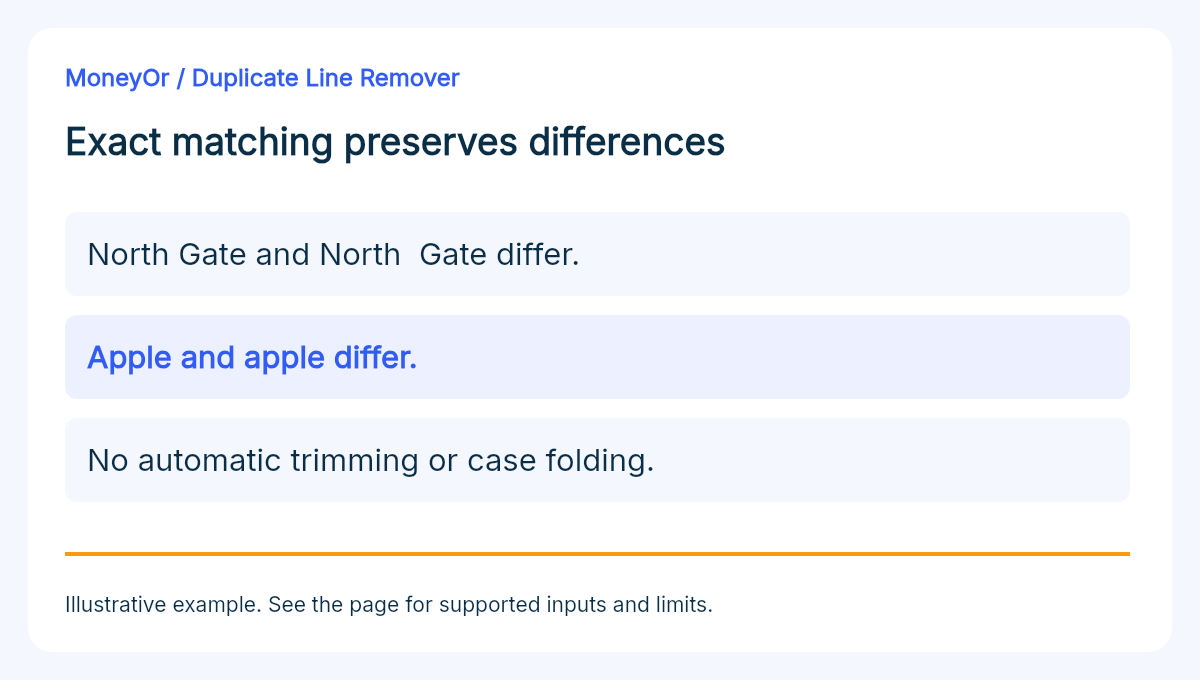
If your intended rule ignores repeated spaces, review the extra space remover first. If it ignores leading and trailing whitespace, inspect the text trimmer. Read each tool's exact behaviour before combining operations: cleanup can change the text you wanted to preserve, and a later deduplication cannot recover discarded distinctions.
Accents also need care. A precomposed accented letter and a letter followed by a combining mark can look alike while using different code-point sequences. The tested strings café with precomposed é and the corresponding decomposed form remain distinct. MoneyOr does not perform Unicode normalisation before deduplication. Visual similarity alone is not proof that the stored values match.
For a list with inconsistent capitalisation, decide whether case truly carries meaning. An account identifier may be case-sensitive even when a person's display name is not. A broad case conversion changes the retained text too; it does not simply add a case-insensitive comparison switch to this form.
Duplicate Line Remover: blank lines and newline conventions
An empty line is treated as a value. The first empty value is retained and later empty values are removed. This can leave one blank line within the result, depending on where it first appeared. The Duplicate Line Remover is not a blank-line remover, and an entry containing spaces is different from a completely empty entry.

The implementation splits at a line feed, optionally preceded by a carriage return. Both ordinary LF and CRLF input therefore produce separate entries. The output joins retained entries with LF. A standalone carriage return without a following line feed does not create a new entry in this engine. Browser text fields may normalise pasted line endings before processing.
This behaviour matters when preparing a plain-text file for another system. The tool can help with the text values, but it does not preserve an uploaded file's encoding, byte-order marker or original newline convention. There is no file-upload setting in this form. Paste only the text you intend to process and use an appropriate file editor when those file-level properties matter.
Use the blank line remover when removing empty rows is the actual goal. Do not repeat this operation expecting the remaining blank line to disappear: once each line value appears once, running deduplication again leaves the same sequence unchanged.
When should I deduplicate a list, and when should I keep repeated rows?
Deduplication suits a list of distinct labels, a set of repeated search phrases or test data where each exact line should occur once. It also helps inspect overlap after deliberately combining two lists. In that case, putting the preferred list first keeps its first-seen order, followed by entries from the second list that have not already appeared.
Repeated events are different. Two identical transaction descriptions may represent two actual purchases. A daily attendance log can contain the same person's name on several dates. Removing identical text without preserving the identifying context can erase valid information. Use a structured record system when the duplicate rule depends on dates, identifiers or several columns.
A pasted CSV row is treated as one text line, not parsed into fields. Quoted fields containing embedded newlines are particularly unsuitable because one record can span multiple stored lines. A database or spreadsheet deduplication feature with explicit column choices is a better fit for structured records. Sorting or cleaning one extracted column does not keep it associated with the original surrounding columns.
For a publishing list, review whether different spellings should remain separate. The tool will not decide that a full name and its abbreviation describe the same subject. That decision needs context and should happen in a separate review, with the unchanged source available for comparison.
How can I combine deduplication with sorting and other tools?
Remove repeats first if preserving original order is part of your review. Once you are satisfied with the retained entries, use the alphabetical sorter for a separate ordering step. Sorting changes positions, while deduplication changes which repeated occurrences remain. Keeping those steps separate makes their effects easier to verify.
Use find and replace only for a correction you have explicitly chosen. Replacing an old product label with a new one can make two previously different lines identical. If so, run deduplication after the replacement and inspect the entries that have merged. Do not make broad substitutions merely to force a lower item count.
For numerical lists, textual equality is still textual. 01 and 1 remain different entries, as do 1.0 and 1. If your intended comparison is numerical, define how formatting should be normalised first. A text deduplicator cannot decide whether a leading zero is padding, a meaningful code or a different identifier.
Save intermediate versions when combining tools. An unchanged source, a cleaned version and a deduplicated version provide a useful trail if you discover that a cleanup choice merged entries incorrectly. The final unique list alone does not reveal which repeat positions were removed.
For example, combine a first list containing pear and apple with a second containing apple and banana. Deduplication gives pear, apple and banana in that order. Swapping the two input lists gives apple, banana and pear instead. Both results contain the same distinct values, but their sequences differ. Decide which list should lead before combining them if the output order will guide a later review.
How do result controls and browser processing work?
The Duplicate Line Remover is available without an account or tool fee in a modern browser. Calculate / Run produces the result after you submit the form. Copy result copies the displayed value and any result details. Download CSV creates a report of the result; it is not a field-aware export of the original list as a multi-column dataset.
Save as baseline keeps a temporary comparison on the current page. It is not a backup stored in your account. Reset restores starting fields and clears the result. Keep your original elsewhere before using it, and do not assume that resetting the form can restore a list already replaced in another application.
The deduplication operation runs in your browser. That statement concerns the tool's processing, while site delivery, analytics and contact practices are separate. The MoneyOr privacy policy describes those practices. Use synthetic samples for confidential workflows rather than pasting private records into a general-purpose website.
Duplicate line remover FAQs
Can I keep the last copy instead of the first?
The Duplicate Line Remover retains first occurrences and has no keep-last selector. If the position of the final occurrence matters, use a workflow designed for that rule. Reversing the list without understanding how it will later be ordered can create a different result from the sequence you intended to preserve.
Does it tell me how many copies of each entry were removed?
The result is the unique-line text, not a frequency report. It does not annotate each retained line with its former occurrence count. Keep the source if those counts matter. Removing repetitions and measuring their frequency are different tasks, and a unique result cannot reconstruct the original counts.
Can I find lines that appear in both of two lists only?
Combining lists and removing duplicates produces unique values from the combined input. It does not produce an intersection containing only shared entries. For that task, use a comparison method that tracks which source each entry came from instead of treating all pasted lines as one list.
Does it remove repeated words within a sentence?
No. A sentence on one line remains one entry, even when a word repeats inside it. The tool compares whole lines with other whole lines. If two complete sentence lines are identical, it keeps one; it does not edit the words within the retained sentence.
Why does the output still contain a line that looks duplicated?
Inspect the exact stored text for differences in capitals, spaces, punctuation or character composition. The tool preserves those differences. A visual inspection can miss a trailing space or a combining mark, so compare a small sample carefully before deciding that the matching operation is wrong.
Is there a guaranteed maximum list size?
The form does not publish a fixed maximum line count. Practical capacity depends on browser memory, device performance and input length. Start with a representative sample and keep a local source copy. If you divide a list into batches, duplicates across different batches will still need a final combined comparison.
Sources and method
The explanation follows MoneyOr's checked implementation. Technical references reviewed on 14 November 2026: MDN Web Docs, Set, for unique values and insertion order; and MDN Web Docs, String.prototype.split(), for separating a string into entries. Exact line equality is the rule; a duplicate-looking record still needs context before deletion.